Shift scheduling and time tracking
Shift work, simply organised.
Plan shifts, track hours and approve timesheets in one place — built for teams that work in shifts.
Free, with every feature and no employee limit in the plan. No card required.
For companies with 3 to 200 people on shifts or hourly pay: cleaning, retail, care, logistics, transport and field service.
How it works
Three jobs, done properly.
Regsta does the work a shift-based business repeats every week, and nothing it does not need.
1 · Schedule
Build and publish the week
Create shifts from templates or copy last week, and see availability and approved time off before you assign anyone. When you publish, employees see their own shifts and mark them as seen.
How scheduling works2 · Track time
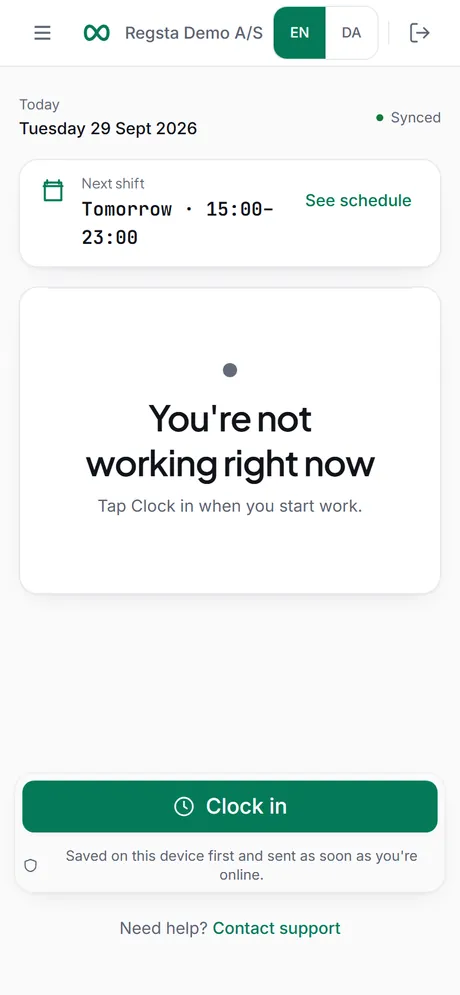
Clock in from the phone
Employees clock in, take breaks and clock out in the browser on their own phone. Clock actions are kept on the phone without signal and sent when the connection is back. Forgot to clock in? The shift can be added afterwards, with a reason.
How time tracking works3 · Approve and export
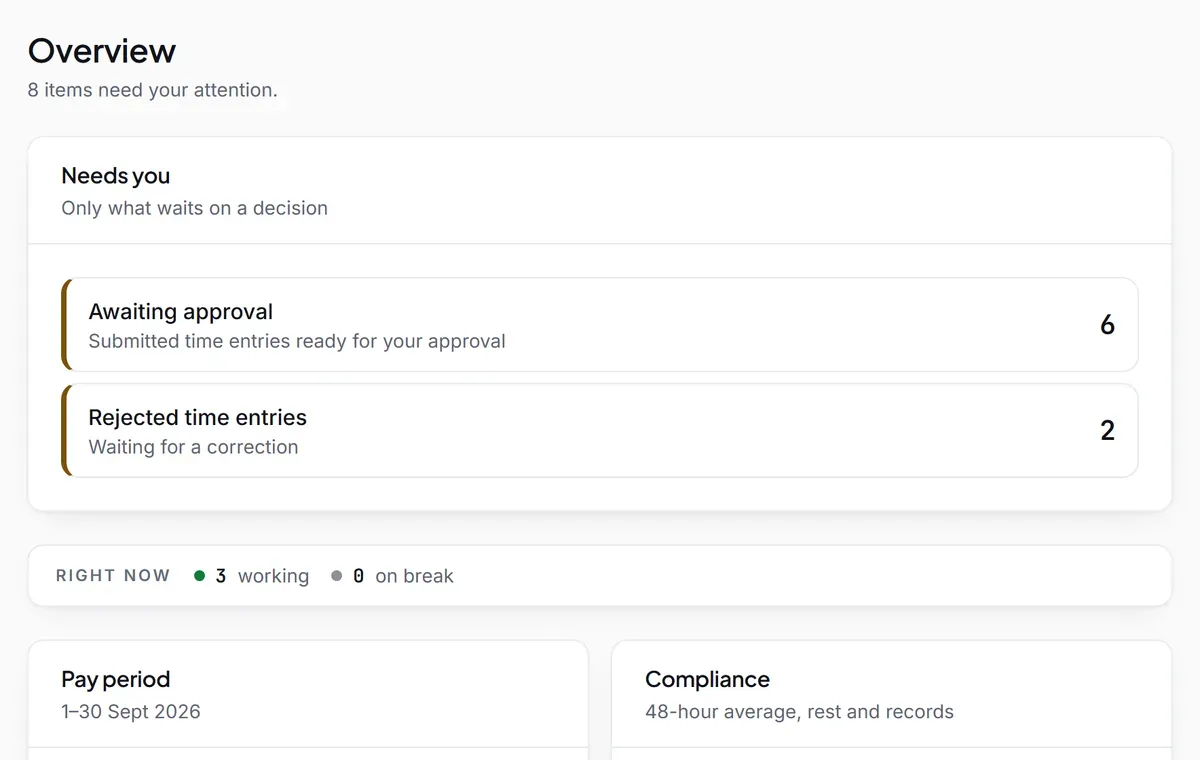
Approve hours you can trust
Approve timesheets one by one or in bulk, or reject with a reason. A correction never overwrites: the original is kept next to it. Approved hours are locked and export as CSV or Excel for payroll.
How approval works
Your team's data
Facts, not promises.
What Regsta does with your data, stated so you can check it.
Kept apart per company
An audit trail that stays
Primary database in the EU
No tracking
Pricing
Free. The whole product.
One plan, €0.00. Scheduling, time tracking, approvals and exports are all included, with no employee limit in the plan and no end date.
- Is anything sold as an add-on?
- No. Every feature is in the free plan.
- Do I need a card?
- No. Nothing is charged, so there is nothing to pay with.
- Can I take my data with me?
- Yes. At any time, an admin can download all company data as a ZIP with one CSV file per list.
Try it with your own team.
Create a company, invite your employees and publish your first week.